
How to save a video off of Facebook
Saving a video off of Facebook means getting it out of the app and onto your device—Photos, Files, or a Windows Downloads folder—not just bookmarked inside Saved. Facebook's Save video button often keeps clips trapped in-app. To actually move a video off the platform, you screen-record, export your own uploads via Meta's download tool, or receive the file from the creator. Videozify doesn't download from Facebook; once the MP4 is on your phone, we can convert it to MP3 or trim it.
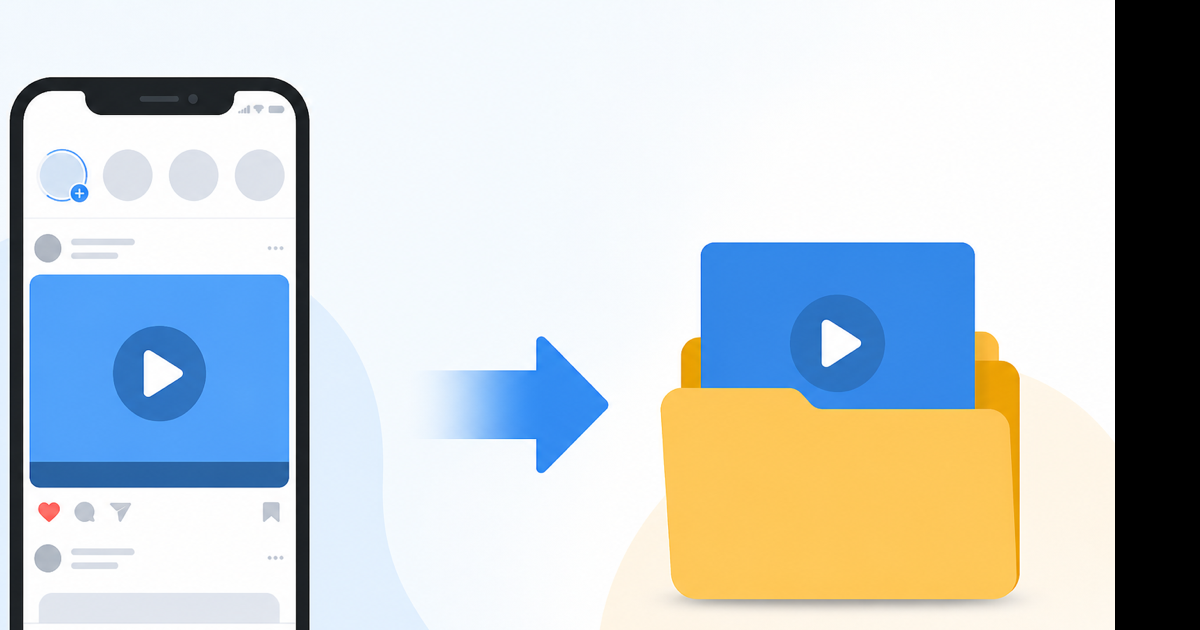
Why "off of Facebook" is harder than it sounds
Facebook optimizes for engagement inside the app, not file portability.
- Save video = stored in Facebook's Saved library (still inside Meta's ecosystem)
- Off of Facebook =
.mp4you control in Files, Gallery, or Dropbox
The gap between those two trips up almost everyone searching this phrase. This guide focuses on the second outcome.
Path 1: Screen record to camera roll (most common)
When you can't export but you're allowed to watch the video, recording your screen pulls it off Facebook.
iPhone:
- Settings → Control Center → add Screen Recording.
- Open Facebook, play the video full screen, pause at frame zero.
- Control Center → Record (hold and turn Microphone off so you capture in-app audio, not room noise).
- Play the video. Stop recording from the red bar.
- Photos → select the recording → Edit → drag handles to trim the Control Center footage at the start/end.
Android (stock):
- Quick Settings → Screen recorder.
- Play the Facebook video.
- Stop when done. Clip lands in Gallery.
Windows 11:
- Open the video at facebook.com in Edge or Chrome.
- Win + G → Capture → Record.
- File saves to Videos/Captures.
Expect 720p–1080p with mild quality loss. A 90-second clip is often 25–50 MB after trim.
Path 2: Your own videos — Meta export
Content you posted can leave Facebook legitimately.
- Facebook → Settings & privacy → Settings.
- Your Facebook information → Download your information.
- Format: JSON or HTML. Media quality: High.
- Check Videos only. Create file.
- Download the zip from the email link. MP4s are inside
your_facebook_activity/videos/.
Copy to your phone with AirDrop, Google Photos, or a cable. Original bitrate beats any screen recording.
Path 3: Save video — then try to export
Sometimes Save works as a halfway step.
- ⋯ → Save video on the post.
- Menu → Saved → Saved videos → open the clip.
- Look for Share, Download, or Save to device.
On many iPhones this dead-ends—no export button. Treat Save as optional; don't rely on it to get off Facebook.
Path 4: Ask for the file or find the source
Practical and overlooked:
- Message the person: "Can you send me that video file?"
- Check if the post shares a YouTube or Instagram link—save from the original platform
- For news clips, go to the publisher's site where a clean download may exist
If it's on YouTube, YouTube to MP4 is the honest Videozify path. We don't accept Facebook URLs.
Third-party "get video off Facebook" sites
They paste a link and promise an MP4. Problems:
| Risk | What happens |
|---|---|
| Phishing | Fake Facebook login steals credentials |
| Malware | Browser extensions or "HD player" installs |
| Stale parsers | Facebook changes break them weekly |
| Watermarks / wrong file | Audio stripped, cropped video |
I don't list specific downloader brands here—they rotate and disappear. If you already used one and have a suspicious .exe, delete it and run a malware scan.
Once the video is off Facebook: use Videozify honestly
You have a local file. We can help with:
| Need | Tool |
|---|---|
| Audio only from MP4 | Extract audio |
| MP3 for Music app / Spotify local | MP4 to MP3 |
| Shorter clip | Video trimmer |
| Smaller attachment | Video compressor |
Upload the file from your device. No Facebook link field exists on Videozify.
Device-specific tips
iPhone storage: Screen recordings at 1080p fill up fast. Trim in Photos or compress on desktop before keeping 20 family clips.
Android share sheet: Some OEMs add Save to Gallery on Facebook video players—try Share while playing before recording.
Mac: QuickTime File → New Screen Recording → select the browser window only, not the whole desktop, for cleaner crops.
Legal note
Getting a video off Facebook for personal viewing of content you already access is everyday use. Re-uploading, selling, or removing credit lines crosses into copyright issues. Facebook's Terms also restrict automated scraping. Stay on official export, screen capture, or permission from the owner.
Conclusion
Off of Facebook means screen recording, Meta export for your posts, or getting the file from the creator. Skip URL paste sites that ask for your login. After you have the MP4, convert MP4 to MP3 if you only need the soundtrack.