
How to save photos from Instagram
You save photos from Instagram two different ways—and the words matter. Save (bookmark icon) stores the post inside Instagram Collections for later viewing. Save to device or Download puts a JPEG in your camera roll. Most people searching how to save photos from instagram want the camera roll path but tap the bookmark by mistake. Videozify does not save Instagram photos from links. We edit files you upload. Below: both save types, how Collections work, and getting your own photos out for backup.
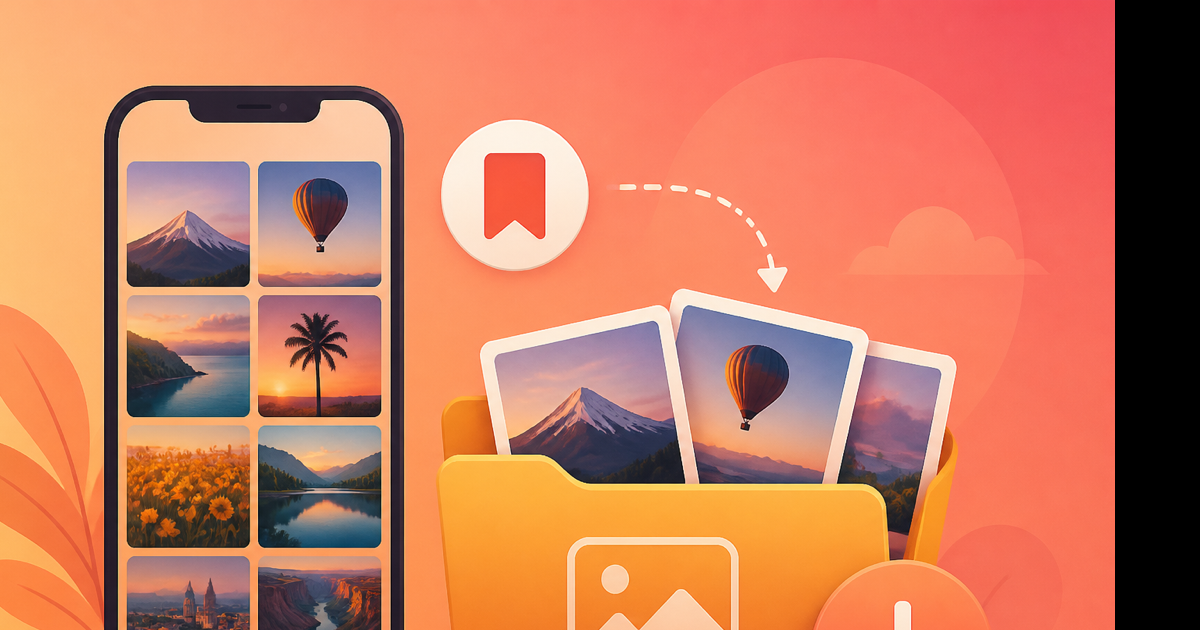
Save vs download: Instagram uses both words
| Button | Icon | Where it goes | Offline in Photos app? |
|---|---|---|---|
| Save (bookmark) | Ribbon | Instagram → Saved → Collection | No |
| Save photo / Download | Long-press menu | Camera roll / Gallery | Yes |
| Download your information | Settings export | ZIP on computer | Yes (your uploads) |
Tapping bookmark does not save photos from Instagram to your phone storage. It saves them inside Instagram. Useful for recipe boards and outfit inspo. Useless if you need a file for Canva or print.
Method 1: Bookmark to Collections (in-app save)
When you want to find a post later but don't need a file:
- Open the photo post.
- Tap the bookmark icon (bottom right, next to share).
- Optional: hold the icon to pick a Collection ("Recipes", "Travel", etc.).
- Access later via Profile → ☰ → Saved.
Collections sync to your account. They don't sync to Apple Photos or Google Photos. If the creator deletes the post, your saved copy disappears too.
Method 2: Save photos to camera roll
When the creator enabled downloads (or it's your post):
iPhone:
- Open the post in Instagram.
- Long-press the image.
- Tap Save or Download.
Android:
- Open post → ⋯ menu.
- Download or Save to gallery if shown.
For carousel posts, swipe to each photo and repeat. Instagram treats each slide separately.
Saved JPEGs typically run 200 KB–1.5 MB at ~1080 px width—Instagram's compression, not the photographer's original RAW.
Method 3: Save your own photos via export
Backup every photo you've ever posted:
- Settings and privacy → Your activity → Download your information.
- Select Posts (includes photos).
- All time, High quality.
- Request → download ZIP from email.
- Extract on desktop—photos appear as JPEGs in dated folders.
This is the only official way to save all your Instagram photos at once. Bookmarks won't help for bulk backup.
Method 4: Save photos from DMs
When someone sends an image in chat:
- Open the conversation.
- Tap the photo full-screen.
- Look for Save in the corner.
Works when the sender allows it. Disappearing photos won't give a permanent save. View-once images are gone after opening.
What you can't officially save
- Photos from accounts with downloads disabled (screenshot only)
- Private posts you weren't meant to redistribute
- Expired Story photos (unless archived by poster)
- Full-resolution originals from other creators
Third-party "Instagram photo saver" apps promise otherwise. Most violate terms, break monthly, and harvest passwords. Videozify is not in that category—we don't accept instagram.com URLs at all.
Organize saved photos after export
Once JPEGs hit your camera roll or ZIP:
- Rename batches:
IG-export-2026-03/keeps projects sane. - Duplicate check: Carousel saves create multiple files—sort by date.
- Edit elsewhere: Canva, Lightroom, or Print. Videozify handles video uploads—if you screen-recorded a photo slideshow as video, our video trimmer can help cut it.
For YouTube-hosted photo tutorials (slideshow videos): YouTube to MP4 is the relevant Videozify tool—not Instagram.
Save photos without notifying the creator
Bookmarking doesn't notify them. Saving to camera roll (when enabled) typically doesn't either. Screenshotting doesn't send alerts. Instagram removed "screenshot notifications" for feed posts years ago—Stories had limited alerts in the past; don't rely on stealth for ethics, rely on permission.
Conclusion
In-app later: bookmark to Collections. Camera roll file: long-press Save or export your account. Don't confuse the two. Skip shady photo saver apps—Videozify isn't one.
Exported a Reel instead of a photo? Trim video free once the MP4 is on your device.